Back to Home
Book Equipment
Experience the seamless booking process from a customer's perspective. Select dates, enter details, review the cost, and pay — all in a couple of minutes.
Interactive Demo
Step-by-step
- 1
Pick the equipment
Customers browse your branded storefront and choose what to rent.
- 2
Choose the dates
Pick start and end dates — unavailable days and buffer times are blocked automatically.
- 3
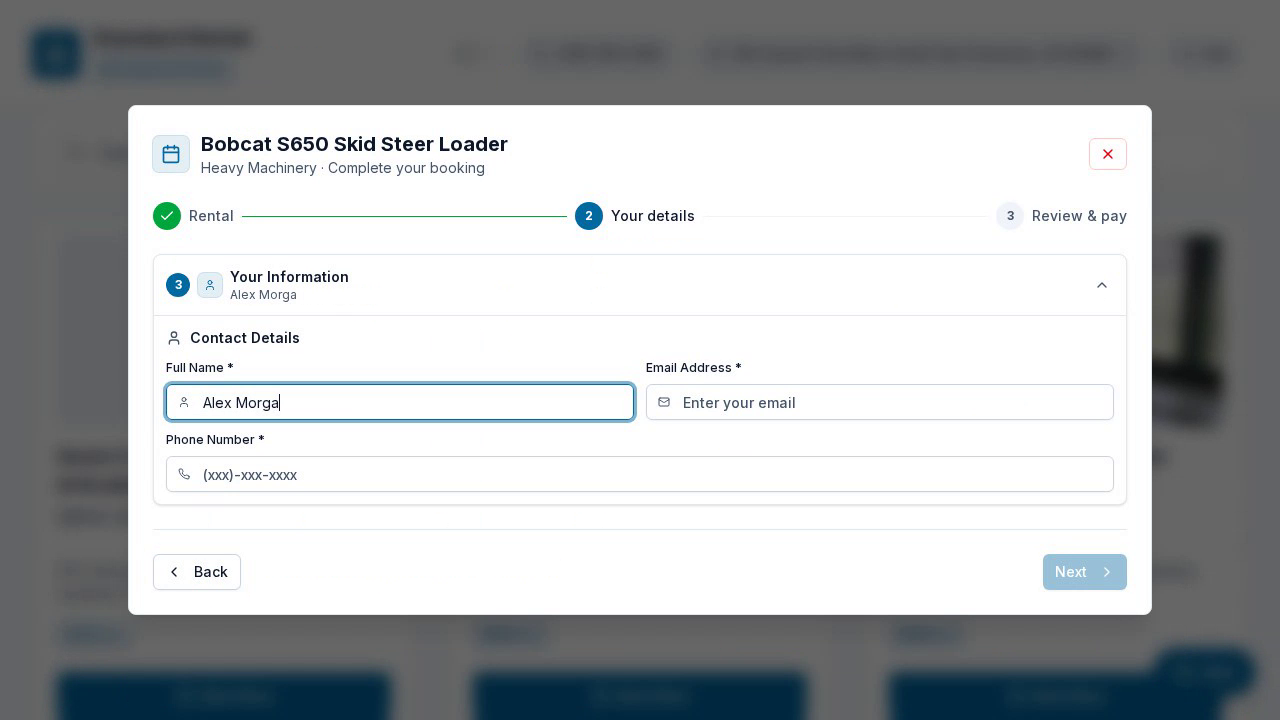
Enter details
Add name, email, and phone, plus a delivery address if it needs to be delivered.
- 4
Review the cost
See the rental, delivery, and tax broken out before paying.
- 5
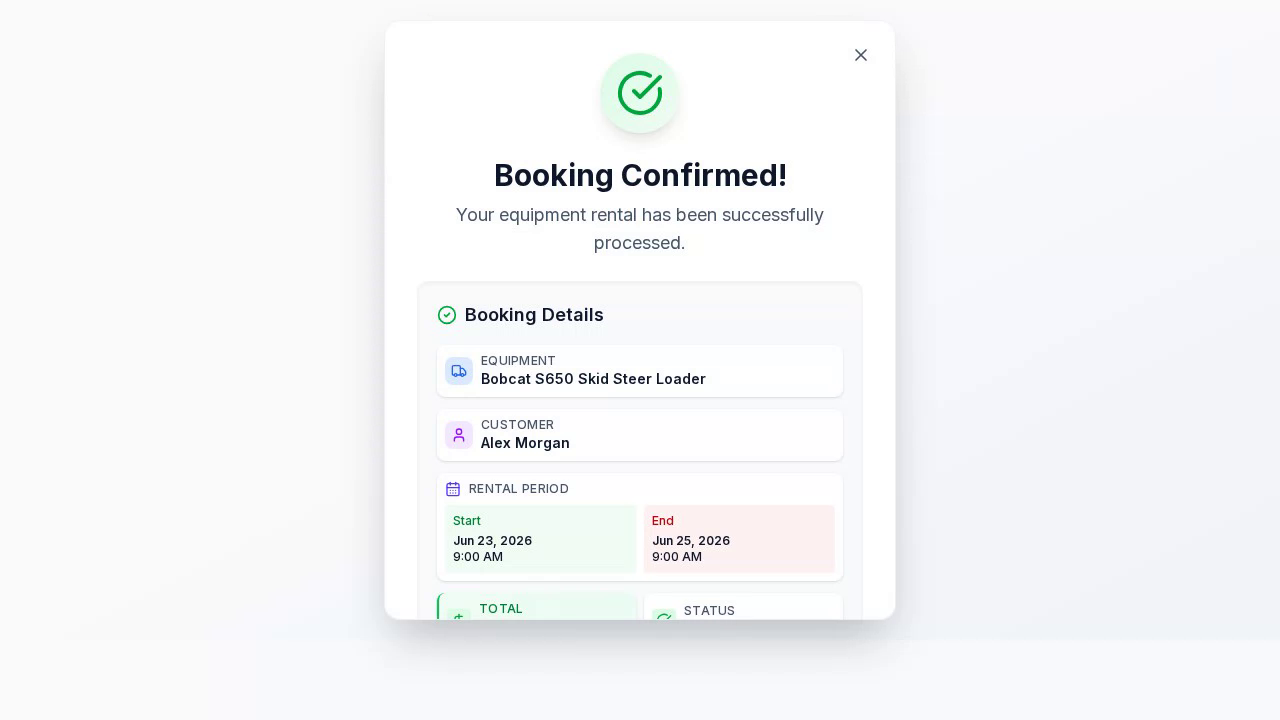
Pay & confirm
Pay securely by card and get an instant booking confirmation.
Ready to get started?
Put your rentals online with your own branded booking site — free to start, no monthly fee.